Silly C# Programs from 2013
Sometime in 2012 I went with my dad to visit a friend of his who was studying at a nearby college. This friend happened to be discarding a spiral-bound photocopied textbook from a previously completed course, which ended up in my possession instead. That textbook was about the C# language and Microsoft GDK, and was my first exposure to programming.
My current understanding is that C# is either used for game development with Unity, or for web backends with ASP.NET, and not much else. The textbook covered neither of these use-cases and instead was a general introduction to object-oriented programming. I recovered some of my old C# projects off an old hard drive lately, and… they’re pretty bad, lmao. To be fair, I was 12/13 when I wrote them.
PolygonCalc
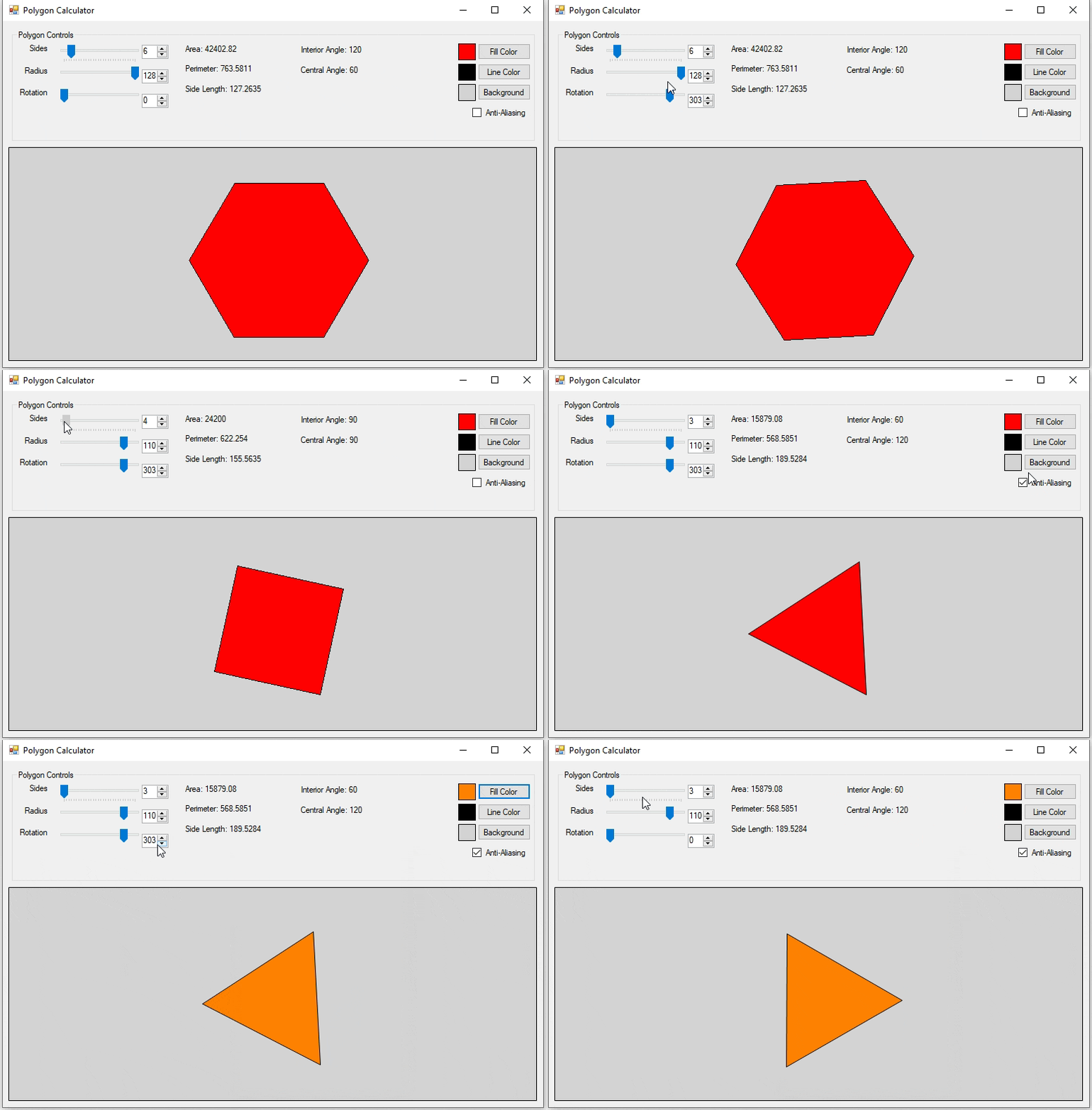
PolygonCalc demonstration
PolygonCalc displays basic properties of regular polygons with a given number of sides. It also computes the area, perimeter, and side length given a radius. Using floating-point math, of course. It’s not very useful.
The source code for PolygonCalc is archived on Codeberg.
nEWLINE
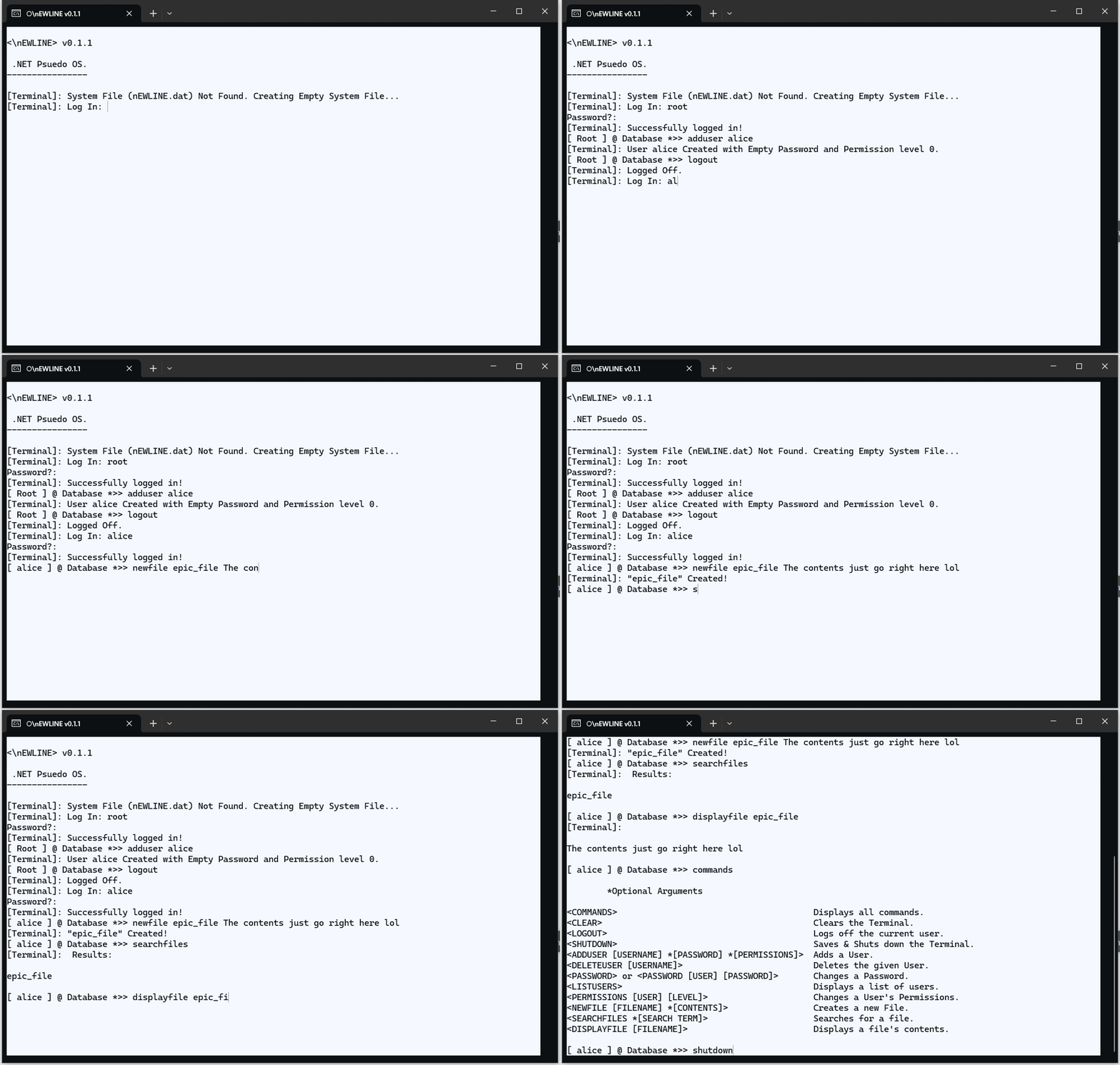
nEWLINE running interactively in a terminal
Soon after my introduction to programming, I decided that I would like to make an operating system. However, my internet access was very limited and the only programming book I had reliable access to was that C# textbook, so naturally I decided I would write my operating system in C#. As you do.
The closest thing I can describe nEWLINE as is a rudimentary REPL cosplaying as a shell in a single-user OS. It doesn’t really satisfy any of those descriptions in any meaningful way. Here’s what you can do in nEWLINE:
commands: Displays all commandsclear: Clears the terminallogout: Logs out the current user and shows login promptshutdown: Saves the virtual filesystem tonEWLINE.datand terminates the programadduser: Creates a user, optionally with a password and a permissions leveldeleteuser: Deletes a userpassword: Changes a users’s passwordlistusers: Lists all users and their permission levelspermissions: Changes a user’s permission levelnewfile: Creates a file with text contentssearchfiles: Lists all files by name, optionally filtering by a search querydisplayfile: Displays the contents of a file
Things to note:
- All administrative tasks such as modifying users requires a permission level of 2 or greater
- Permission levels have no actual description and are just an integer lol. They were likely intended to be equivalent to x86 protection rings, except backwards
- The filesystem is entirely flat, there is no way to create directories. You can create a file with slashes in the name and use that as a search query to
searchfiles, but that’s not the same thing - Files cannot be modified once created, and files also cannot be overwritten
- The state of the virtual machine, including users, passwords, and files is saved to
nEWLINE.dat. This data is delimited with printable unicode characters, so including any of those characters in a username, password, file name, or file contents will corrupt the entire system lmao - If
nEWLINE.datexists but has no contents, the program crashes on startup - Light mode is forced for some unfathomable reason
I actually lost the original source code for nEWLINE, but I did recover one if its compiled binaries. C# is extremely easy to decompile (as it “compiles” to a relatively high-level IR), so the only thing that was lost was the comments. The decompiled source code for nEWLINE is archived on Codeberg.
WordGenerator
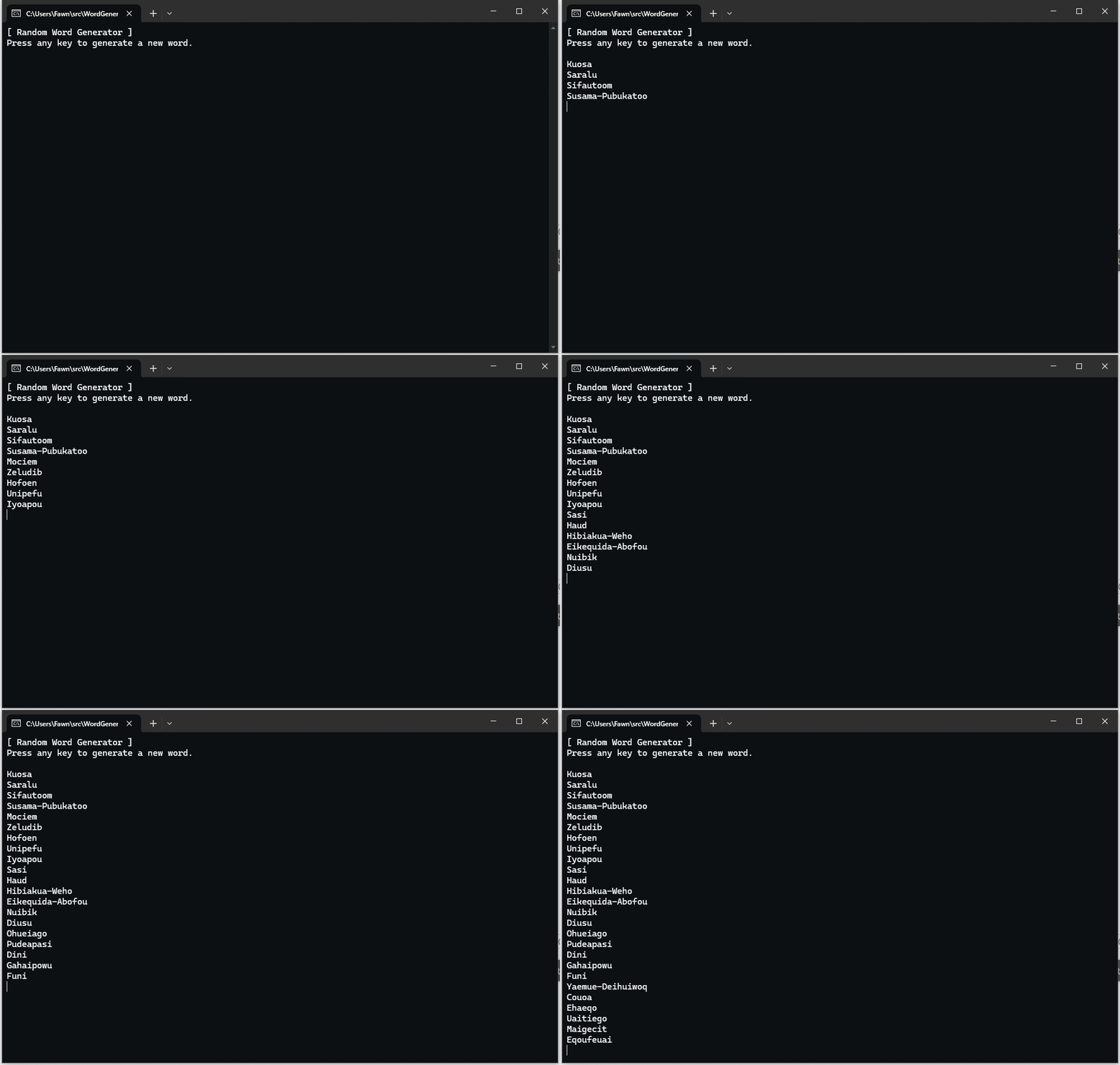
WordGenerator running interactively in a terminal
WordGenerator builds “words” randomly using a small set of rules:
- The first letter is unlikely to be
'x','j','q','i', or'o' - No more than two vowels can occur consecutively
- Any letters other than
'o','a', and'e'cannot occur twice consecutively - The letters
'x','v','z','j', and'q'are unlikely to occur in general - There is a small chance for a second word to be appended, separated by a hyphen
The words are mostly nonsense but might be useful as names for a Bionicle fanfiction or something. Occasionally it generates an actual word too.
The source code for WordGenerator is archived on Codeberg.
Charp
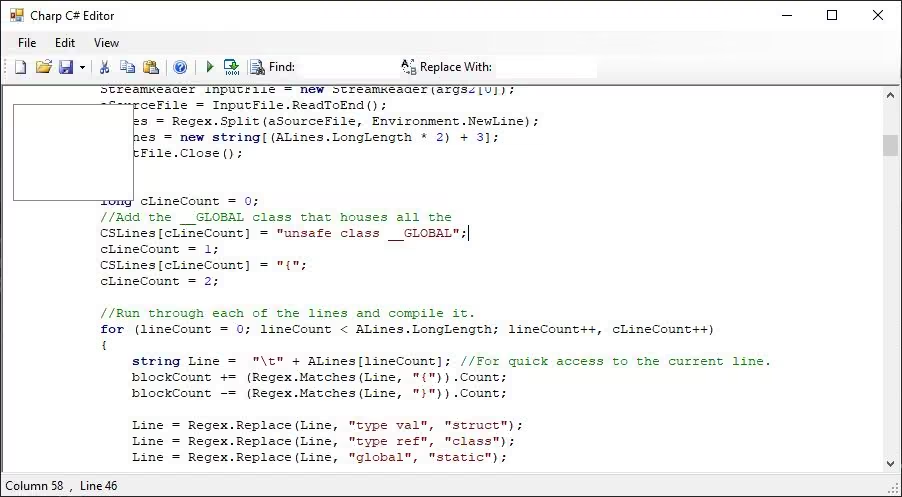
Editing a C# source file with Charp
This one is too broken to bother uploading the source code, but it was an attempt to make a code editor specifically tailored to C#—I guess even in 2013 Visual Studio was unbearably slow.
There is simple regex-based syntax highlighting. The window does not respond to being resized. Most of the buttons do nothing. There’s an empty rectangle that obscures part of the editor window, which I assume was an attempt at implementing autocomplete a lá IntelliSense. It does exactly one impressive thing: it’s slower than Visual Studio. Somehow. (Probably the regex.)
A
This one is too incomplete to bother uploading the source code, but it appears to be an attempt at a compiler. It consists of a regex-based scanner, and a completely empty parser source file. Like hundreds of smug morons before me, I named the language “A”. It looks like it was supposed to transpile to C#, but it doesn’t work since there’s no parser, lol. Here are the differences from C#:
- Single-line comments begin with a backtick (
`) - Multi-line comments are enclosed in a pair of tildes (
~) globalis an alias forstatictype valis an alias forstructtype refis an alias forclassout,outl,inc,inl, andpromptbuiltins for console I/O
Here’s the file I was apparently using to test this “compiler”:
global void Main(str[] Args)`This is the main entry point for the program
{
	outl "Hey dad!";`I was showing dad this when I made this.
~Hey ma, a real
 multiline
comment
!
~


}
That’s it! It’s somehow even worse than C#! Bravo!
Conclusion
C# bad lol
Jokes aside, I’m very thankful I got that hand-me-down textbook. C# is not my language of choice today, but it got me interested in programming. Never stop learning!